
Verify age and eligibility without collecting identity data.
Checkpoint is an embeddable control that can be configured to enforce age requirements while protecting user privacy.

Integrate a lightweight widget in your UI, or enforce age assurance at the infrastructure layer with Checkpoint Proxy. Configure once and enforce consistently.
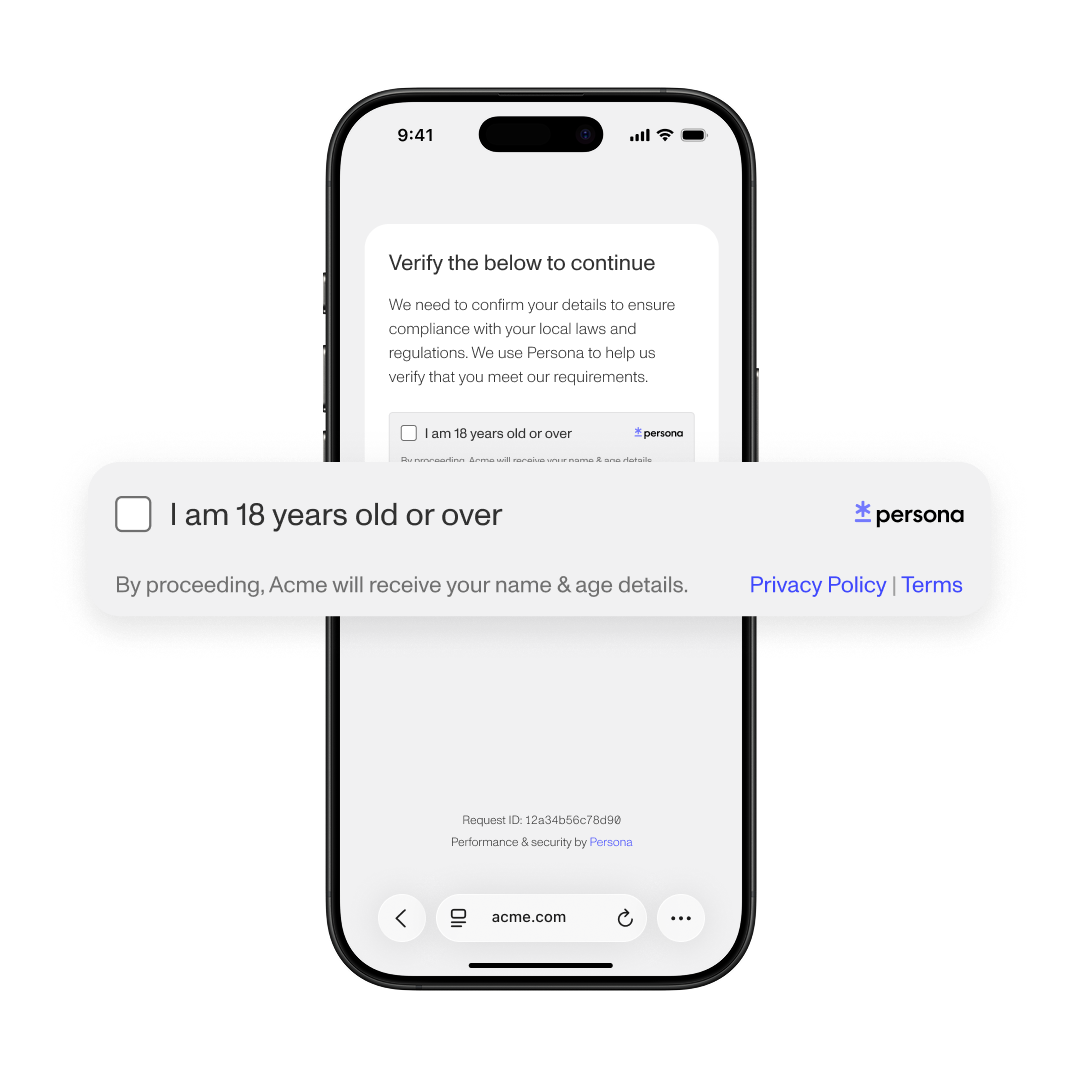
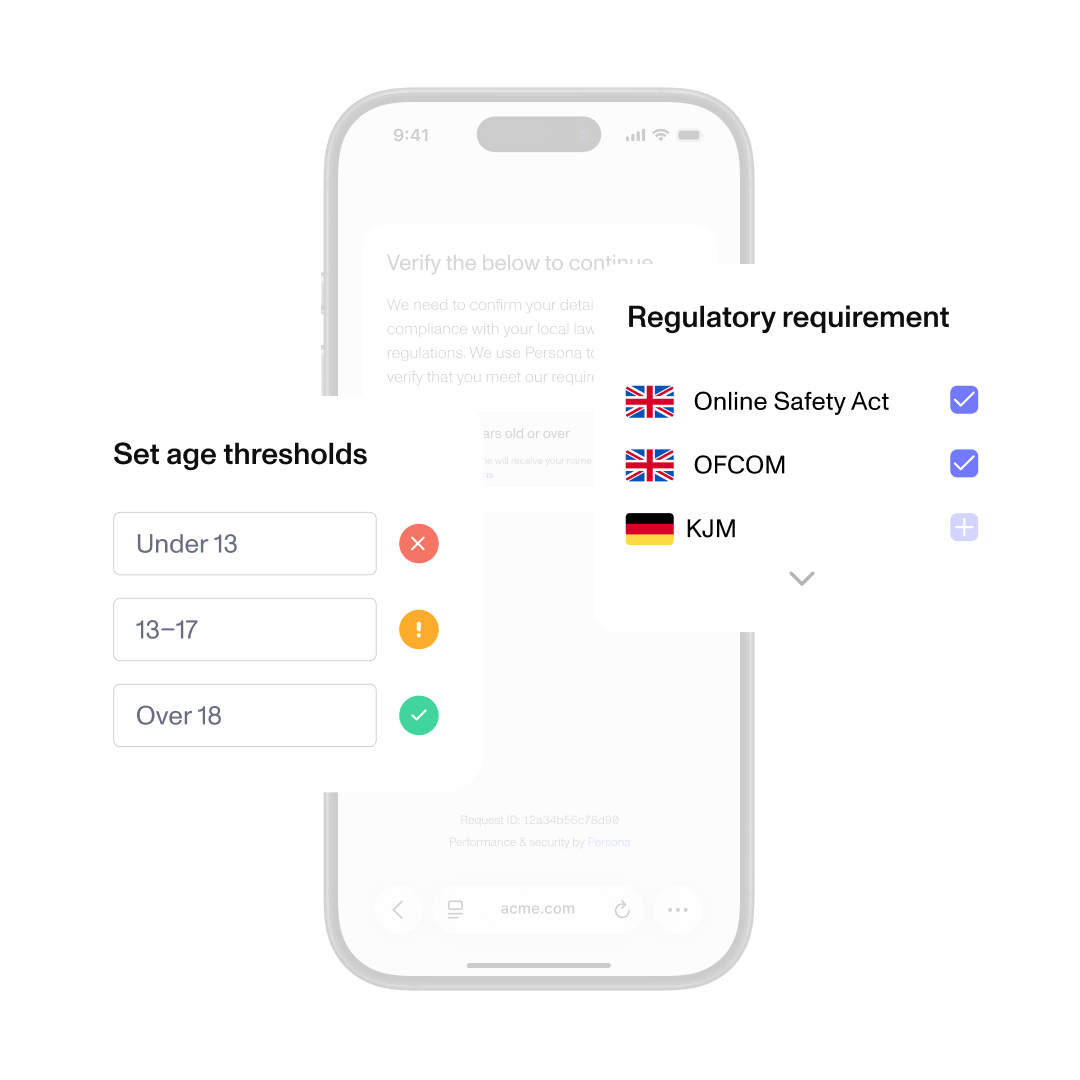
Choose the eligibility you need to confirm, such as verifying whether a user’s age is 18+ to meet Online Safety Act requirements. Checkpoint will apply the appropriate template and jurisdictional rules.
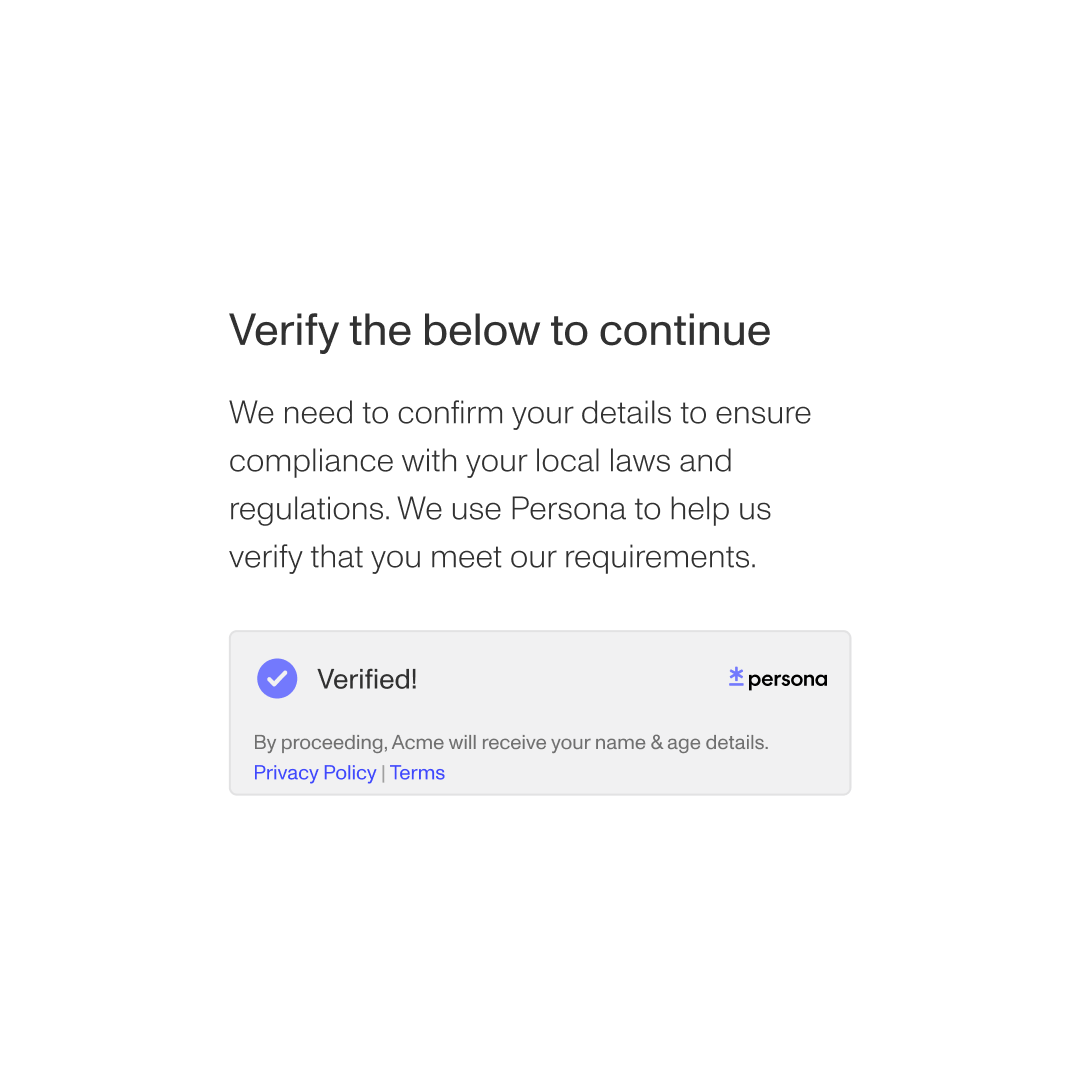
Your system receives a signed pass or insufficient result and you do not receive or store raw identity documents. Checkpoint’s privacy-preserving architecture protects user privacy while delivering the assurance you need.

Age assurance
Gate access to regulated or age-restricted experiences without collecting and storing full identity data.

Reusable trust across experiences
Allow opted-in users to reuse Wallet credentials across opted-in Persona customers while maintaining data minimization.

Proof of humanness (coming soon)
Confirm that a user is a real person before granting them access to sensitive features or communities.
How Checkpoint’s privacy-preserving architecture works
Privacy-preserving means verification is isolated from your application and the content a user is trying to access.
When Checkpoint runs, it is asked only to confirm the age requirement you’ve set, nothing about what the person is viewing or doing. Your platform receives only the result, not identity documents or personal data.
Unlike traditional identity verification, which often collects and verifies a full set of identity information in a single, centralized flow, Checkpoint isolates the age check and limits data exposure by design.
Age assurance requirements vary by jurisdiction. Some regions accept estimated age through facial analysis, while others require document-based verification in certain contexts.
Checkpoint templates are informed by published regulatory guidance, helping you operationalize age requirements across regions as part of your broader compliance strategy.
Under the UK Online Safety Act (18+), Ofcom outlines expectations for “highly effective” age assurance for certain services. Depending on your use case, supported methods may include:
- Document-based verification with live selfie matching
- Facial age estimation


Checkpoint establishes the appropriate level of identity assurance once, reducing the need to repeatedly collect and verify sensitive information.
For organizations, this supports strong security while lowering data risk and operational burden. For individuals, it means sharing less personal information, less often.
Checkpoint reflects our broader privacy philosophy: build trust while minimizing data exposure and handling personal information responsibly.
Frequently asked questions
How is Checkpoint different from traditional age verification? Toggle description visibility
Traditional age verification often requires platforms to collect and store full identity documents or detailed personal information. Checkpoint works differently. It confirms whether a user meets the configured age requirement and returns only an eligibility result, without transferring raw identity documents or personal data into your systems.
What does privacy-preserving architecture mean? Toggle description visibility
Checkpoint’s privacy-preserving architecture separates identity verification from your application. Persona confirms eligibility by conducting identity verification aligned to the configured age policy and returns only the eligibility result, not identity documents or personal data.
Can users reuse their verification? Toggle description visibility
Yes. After completing verification, users can store a credential in Persona Wallet. On return visits, they authenticate with a passkey and reuse their previously verified eligibility result, reducing repeated friction. Some regulators refer to this as an “age token” or “reusable digital identity.”
Does Checkpoint support different regulatory requirements? Toggle description visibility
Yes. Checkpoint uses configurable templates informed by published regulatory frameworks across jurisdictions. You can apply region-specific age thresholds consistently, without building custom logic for each region.
Does Checkpoint require domain allowlisting? Toggle description visibility
Yes. Domain allowlisting ensures verification requests originate from authorized environments and prevents misuse by unauthorized sites. Allowlisting validates the origin of the request but does not provide Persona with visibility into specific content being accessed.
Does using Checkpoint make my organization compliant? Toggle description visibility
Checkpoint is designed to help organizations implement age controls aligned with published regulatory guidance. However, each organization is responsible for determining how applicable laws and regulations apply to its services. Checkpoint should be implemented as part of a broader compliance and risk strategy tailored to your specific jurisdictions and use cases.

